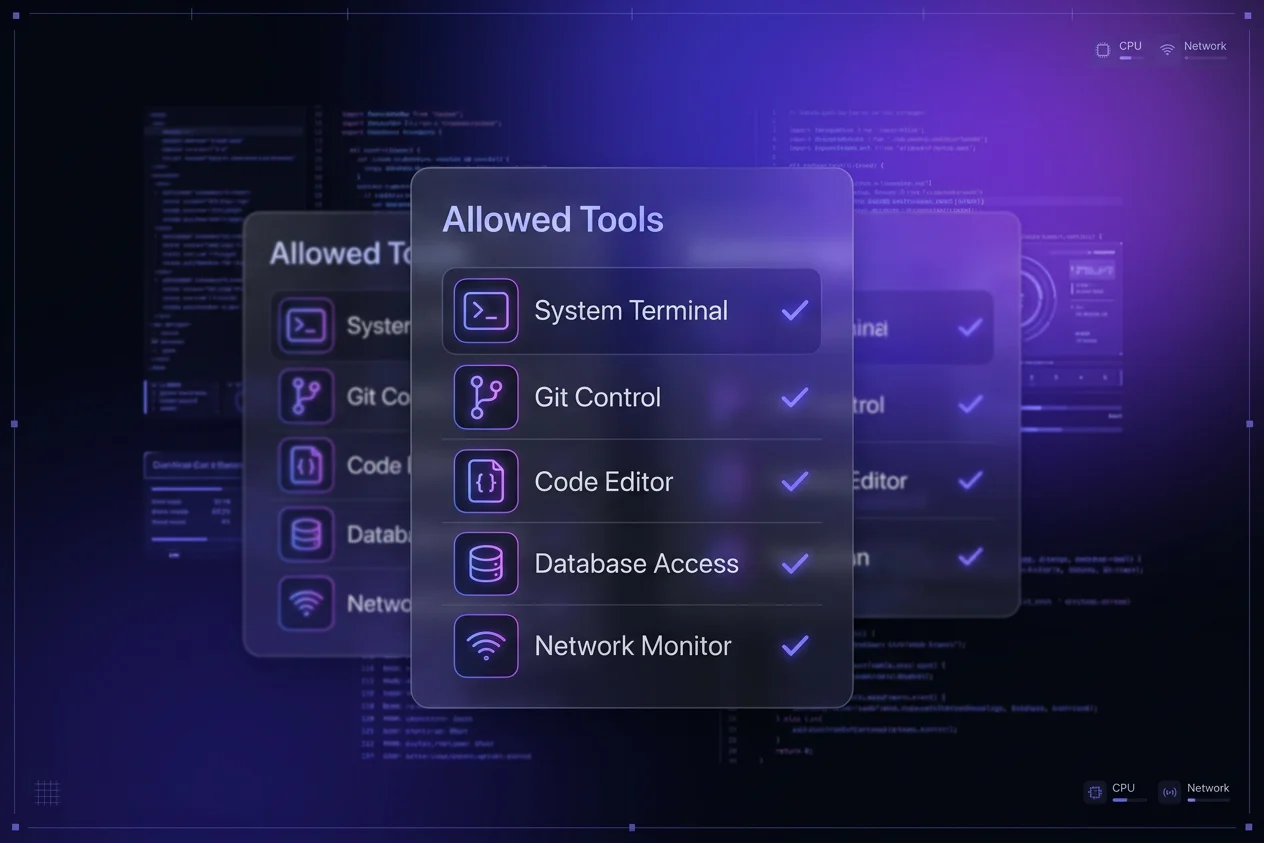

I’ve been living in the terminal lately, and if you’re a solo developer, you’ve probably felt the "AI tax" starting to add up. Claude Code is sweeping the community, and for good reason—it’s brilliant. But after using both daily, I have realized that Gemini CLI is a solid value substitute that most of us are overlooking.
If you’re already paying for the Google AI ecosystem, you might be sitting on a powerhouse coding agent that costs you exactly zero extra dollars.
The Quick Look: Value Comparison
| Feature | Gemini CLI (AI Pro) | Claude Code (Pro/Max) |
|---|---|---|
| Monthly Cost | $19.99 (Incl. 2TB Storage) | $20 - $100+ |
| Model Access | Gemini 3.1 Flash & Pro | Claude 3.7 Sonnet |
| Context Window | 1M+ Tokens | ~200K Tokens |
March 2026 Pricing Update: Starting March 25, 2026, Gemini Pro models will only be accessible via paid subscriptions. Free tier users will be limited to Gemini Flash models. To maintain access to Gemini Pro for complex planning and reasoning, you will need to upgrade to an AI Pro or Ultra plan.
Why Solo Devs are Switching
It’s all about the Google One bundle leverage. While Claude Code is an incredible standalone tool, Gemini CLI gives you nearly all the same features—multi file edits, terminal execution, and codebase analysis—but it’s bundled with your cloud storage and other Google AI perks.
Maximize your subscription: Learn more about the developer credits and benefits included in Google One AI Pro.
I use Gemini CLI daily and, honestly, I haven't run into a single limitation that made me wish I was paying extra for Claude Max.
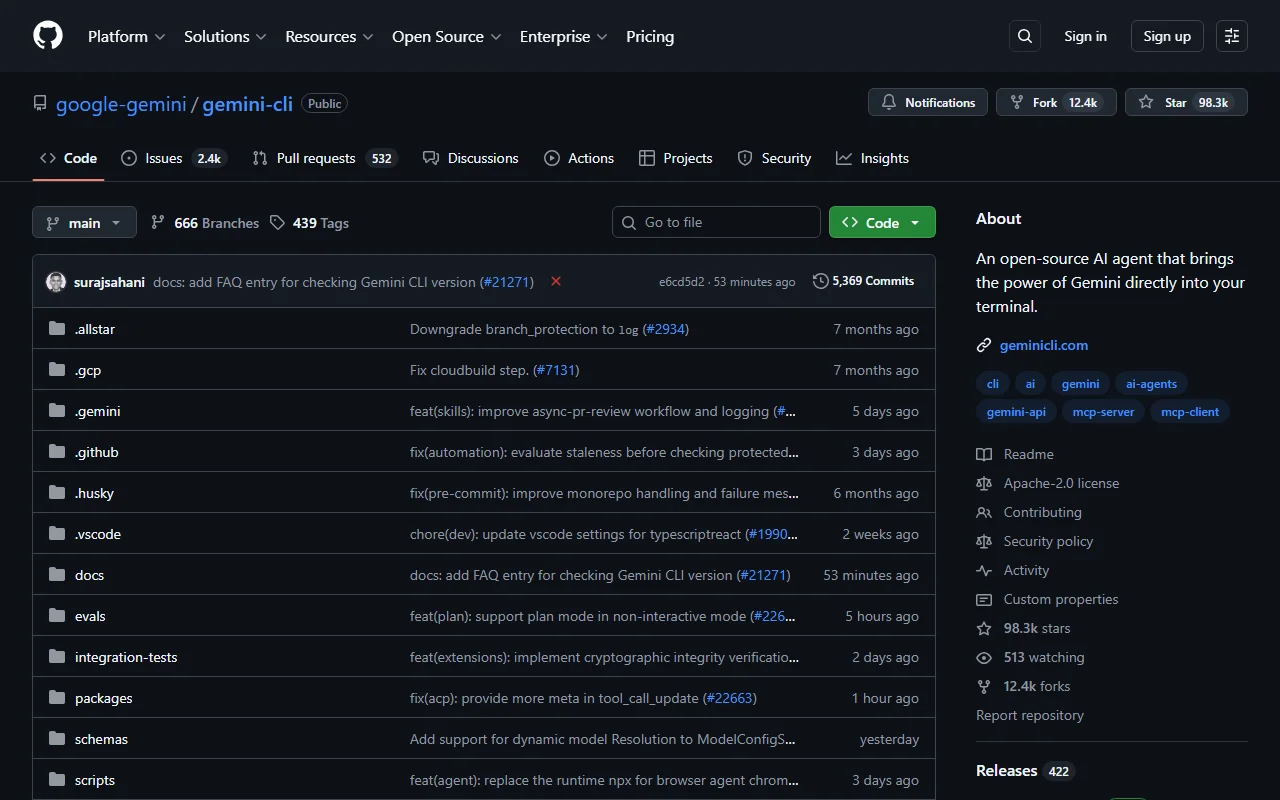
My Power Setup: Flash for Coding, Pro for Planning
Here is the secret sauce I use to maximize my token allowance without spending a dime over my $20/month subscription:
- The Brain (Pro): I use Gemini 3.1 Pro for the "Research & Strategy" phase. Its "Deep Think" reasoning is excellent for architectural planning.
- The Muscle (Flash): I switch to Gemini 3.1 Flash for the actual coding and refactoring. It's lightning fast and incredibly efficient with tokens.
This "Flash + Pro" combo allows for nearly infinite autonomous work without hitting rate limits.
Important Consideration
YOLO Mode: Gemini CLI makes YOLO mode (full autonomous execution) incredibly easy. It’s perfect for those repetitive refactors where you just want the agent to "go do it."
Feature Parity and Standouts
Both tools offer an excellent core set of agentic features. Here is how they compare side by side:
| Feature | Gemini CLI | Claude Code |
|---|---|---|
| Multi file Autonomous Edits | Yes | Yes |
| Terminal / CLI Execution | Yes | Yes |
| Plan Mode (Read only Strategy) | Yes | Yes |
| GitHub Actions / CI Native | Yes | No |
| Interactive Terminal (PTY) | Yes | No |
| Agent Teams (Parallel Sub agents) | No | Yes (Standout) |
| Remote Control / Session Handoff | No | Yes (Standout) |
If you want a productivity boost, Claude's Agent Teams is a game changer for solo developers. It lets you run multiple AI agents in parallel, like having your own team of developers working for you. One agent can focus on the UI while another handles the backend and a third reviews the code.
Gemini CLI has a similar concept with Sub agents, but it uses a more hierarchical "hub and spoke" model where the main agent delegates specific tasks to specialized agents like a codebase_investigator. While not as "team like" as Claude's implementation, it's very effective for deep research and complex tasks.

The Verdict: The Value King of 2026
If you are a solo developer on a budget, the choice is clear. Gemini CLI is a fantastic substitute for Claude Code. You get the 1M+ context window, the agentic power of "Plan Mode," and you don't have to manage another $20-$100/month subscription.
Ready to save? Unlock 2TB of storage, Gemini Advanced, and monthly developer credits with Google One AI Premium. Learn more about the developer credits and benefits included in the bundle.