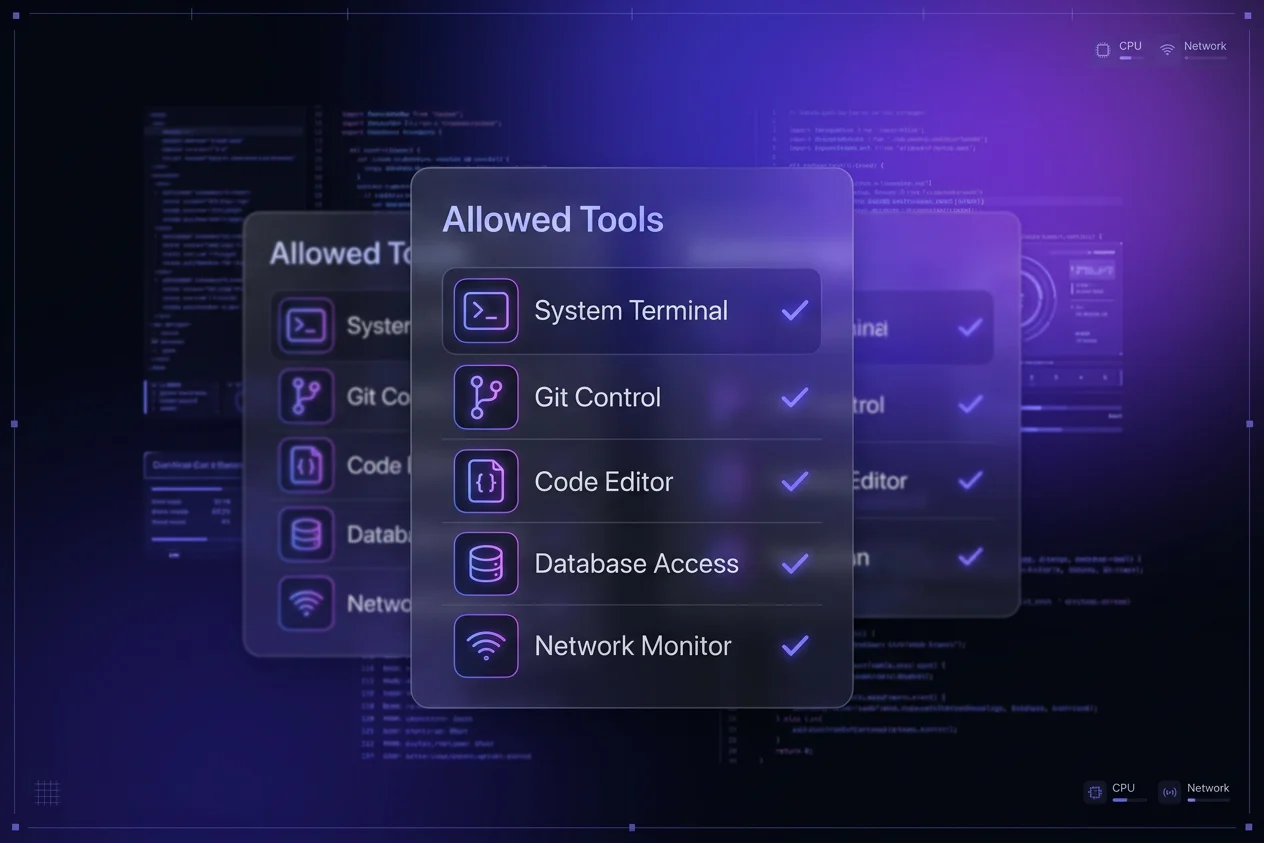
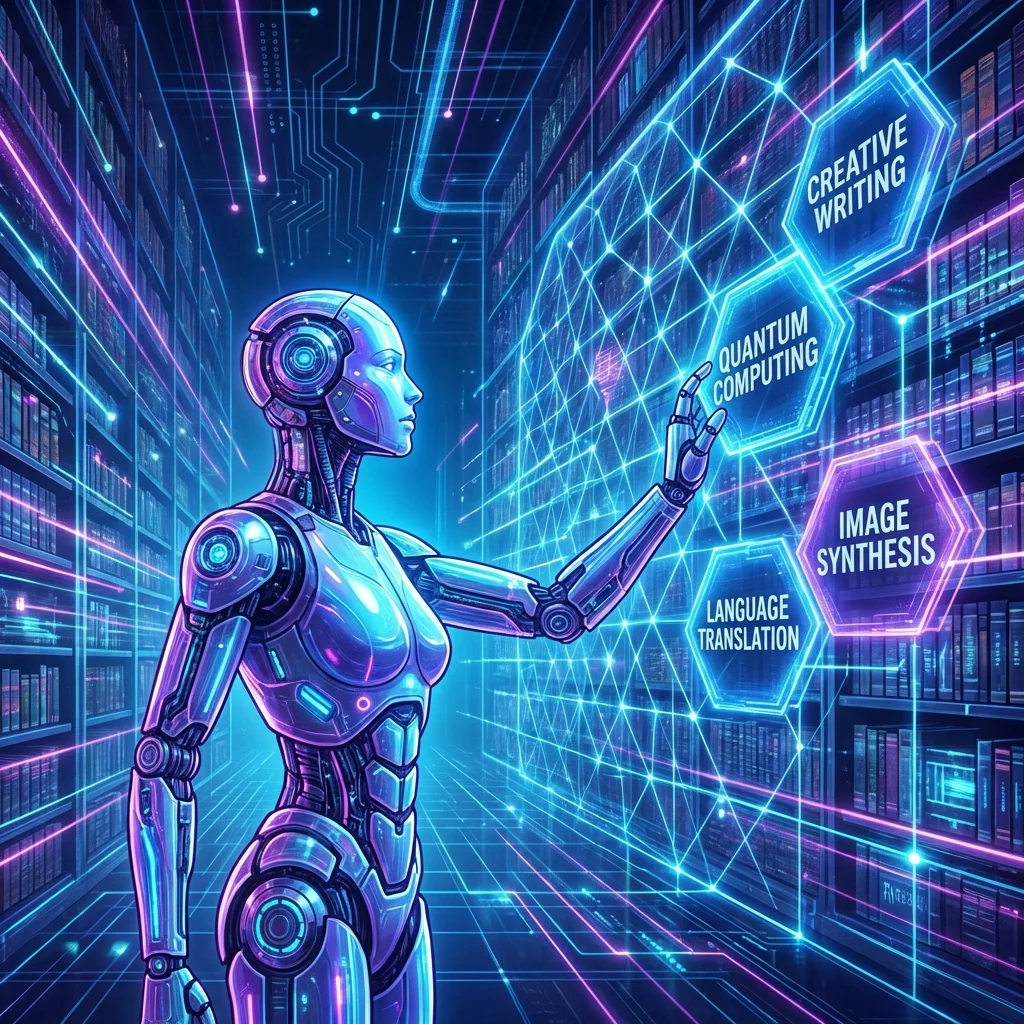
Bottom Line Up Front: Agent Skills are "plugins" for your AI agents (like Claude or Gemini) that give them specific capabilities—writing files, generating reports, or managing tasks—without you needing to be a prompt engineering wizard or configuring complex multi-agent systems.
If you've been using tools like Google Jules, Claude Desktop, or the Gemini CLI and managed to hit a wall where the agent "just doesn't get" your specific workflow, Skills are the answer.
What Are Agent Skills?
Think of your standard AI model as a brilliant intern who knows a little bit about everything but isn't trained on your specific company processes.
Agent Skills are the training manuals you hand to that intern. They are reusable, filesystem-based resources that provide your agent with domain-specific expertise.
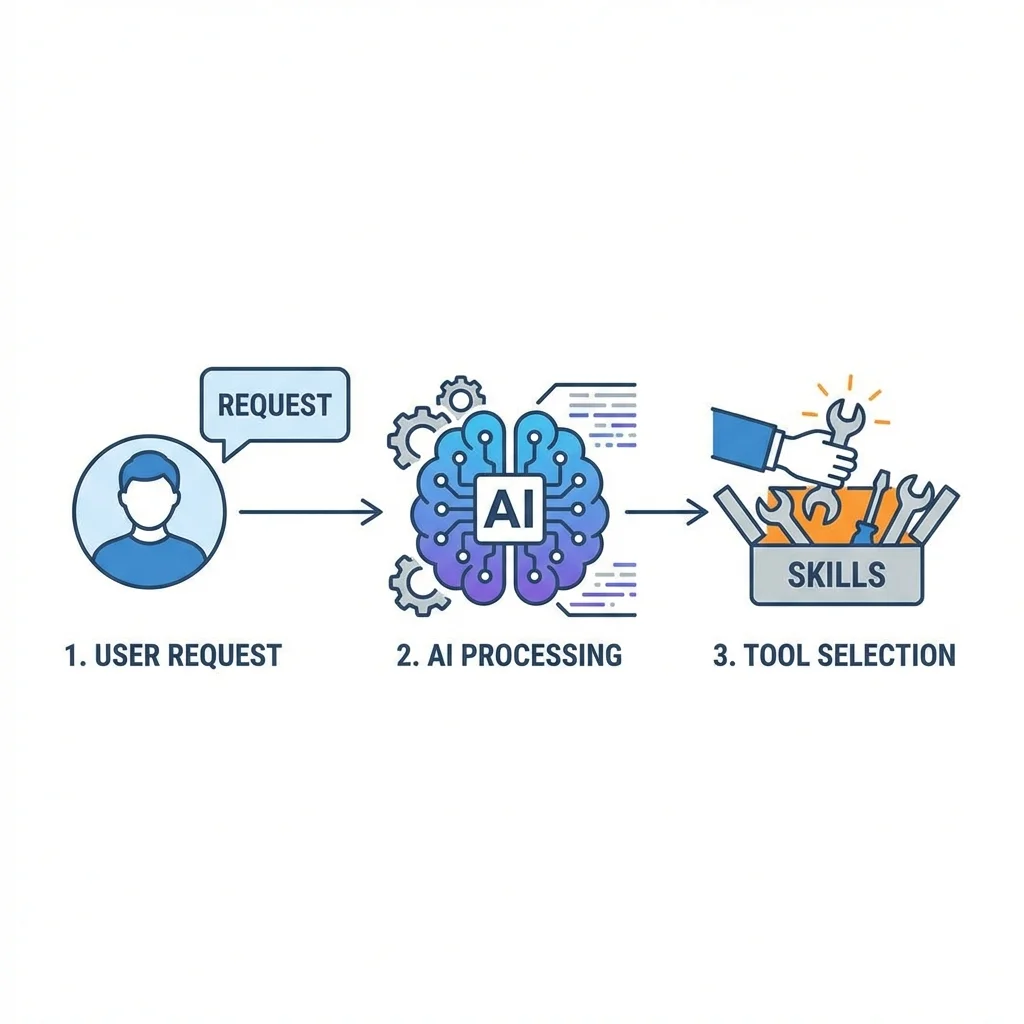
Skills allow the agent to pick the right tool for the job automatically.
Instead of writing a 50-line prompt every time you want to write a blog post or refactor code, you define it once as a Skill. The agent then "loads" this skill and knows exactly what steps to follow.
Why This Matters
Skills allow you to customize what the agent does without knowing how to configure multi-step agents. You don't need to build a LangChain pipeline; you just drop a folder in the right place.
Beyond Coding: Real World Examples
While we often talk about AI for coding (refactoring, debugging), Skills are incredibly powerful for general productivity.
1. Generating PowerPoints and One-Pagers
Imagine having a skill called create-deck. You could simply type:
"Make a pitch deck for my new startup idea."
The agent would look up your create-deck skill, which might contain a template file and instructions on how to format slides in Markdown or a specific JSON format that you can convert to PowerPoint.
2. Automated Reporting
A market-report skill could instruct the agent to:
- Search the web for specific competitors.
- Summarize the findings in a table.
- Save it as a Word document (using a library or simply generating a formatted Markdown file you can copy-paste).
This is the power of invoking skills: you turn a vague request into a structured output.
How to Use Skills
When you use a tool like Claude Desktop or one of the top-tier models discussed in our Model Comparison, the skills are integrated directly into your workflow.
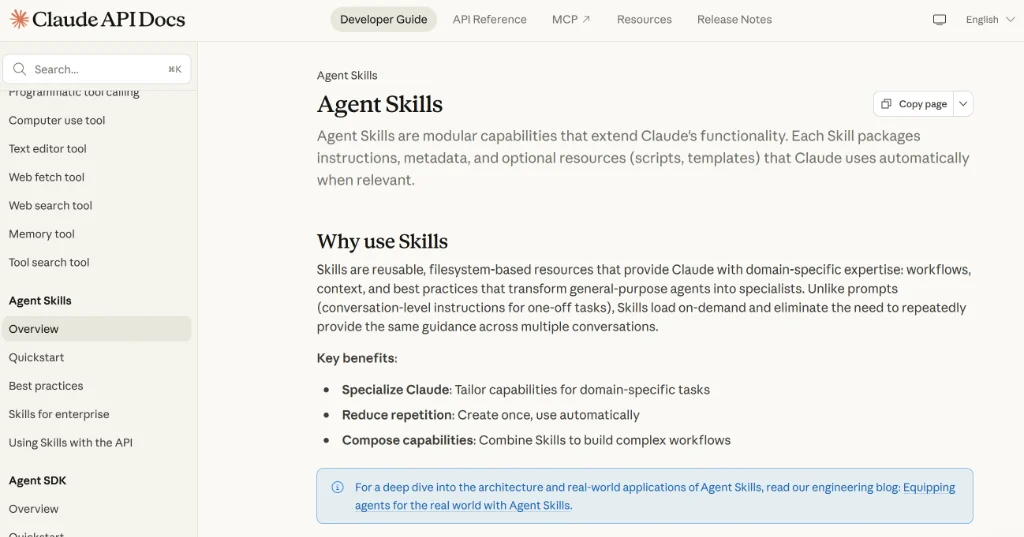
Agent Skills documentation in Claude's platform.
To truly maximize the benefit of these tools, you should take the time to read the documentation for the skills you install. Knowing what a skill can do (and exactly how to ask for it) is the difference between a generic response and a perfectly executed task.
The agent sees your request, checks its available "tools" (which includes your custom Skills), and decides which one to use.
How to Invoke Them
Invoking a skill is usually as simple as asking for it.
- Implicit Invocation: "Write a blog post about X." (If you have a
write-articleskill, the agent will pick it up automatically). - Explicit Invocation: Some tools might allow you to tag a skill, but modern agents like Antigravity and Gemini CLI are smart enough to map your intent to the available skills.
Check out the Anthropic Skills Repository for a collection of community-made skills you can start using today.
Getting Started
Ready to build your library? Here are the official resources to get you going:
- Google Ecosystem: Antigravity Docs and Gemini CLI Skills
- Claude Ecosystem: Claude Agent Skills Overview
Verdict
Agent Skills represent the next leap in AI usability. They bridge the gap between "having a chat" and "getting work done." By modularizing capabilities, they let you build a personalized AI assistant that grows with your needs.
If you haven't tried defining a custom skill yet, start with something simple—like a "daily standup" generator—and watch how much time it saves you.