
AI has fundamentally changed software development, but it's not just about chat prompts anymore. As of February 2026, we've entered the era of true agentic workflows. The transition from passive AI assistants to active AI agents means that your tools are no longer just answering questions—they are completing multi-step tasks, validating their own work, and even monitoring your production environment while you sleep.
It is important to note that the field is moving at a breakneck pace. What we consider "state of the art" today is likely to be surpassed in months, if not weeks. The gap between human intent and machine execution is closing rapidly, and while these workflows represent the cutting edge today, they will only become more seamless and intuitive as models continue to evolve.
Today, there are three primary ways AI agents provide real-world value. Whether you prefer the raw power of the terminal, the comfort of your editor, or the independence of a cloud-based agent, there is a workflow for you.
Quick Look: AI Agent Workflow Modes
| Workflow Mode | Core Philosophy | Best Use Cases |
|---|---|---|
| CLI YOLO Mode | High Autonomy | Bootstrapping, Refactoring, Git ops |
| IDE Mode | Human-in-the-loop | Targeted features, Context-rich changes |
| Autonomous Mode | Background Execution | Security, Dependency upgrades, PR reviews |
1. The CLI & "YOLO" Mode
The CLI YOLO mode is all about speed and direct action. Instead of copying and pasting code, you interact with the agent directly where your code lives.
In this mode, you "lean into" the agent and just chat with it. You see code get generated and can approve each change, but you want to get comfortable giving the agent control. The environment gives you the flexibility to disable specific commands, providing the AI with the power to "just go."
Key Use Cases:
- Bootstrap your projects: Scaffolding new applications in seconds.
- Deep Refactoring: Moving logic across multiple files autonomously.
CLI agents are particularly good at handling the "boring" parts of development like Git operations and boilerplate generation.
Your Choices in CLI Mode
- Gemini CLI: Our top pick for terminal-first productivity and deep codebase understanding.
- Claude Code: A powerful terminal-based offering from Anthropic.
- Codex: The veteran engine powering some of the most advanced CLI integrations.
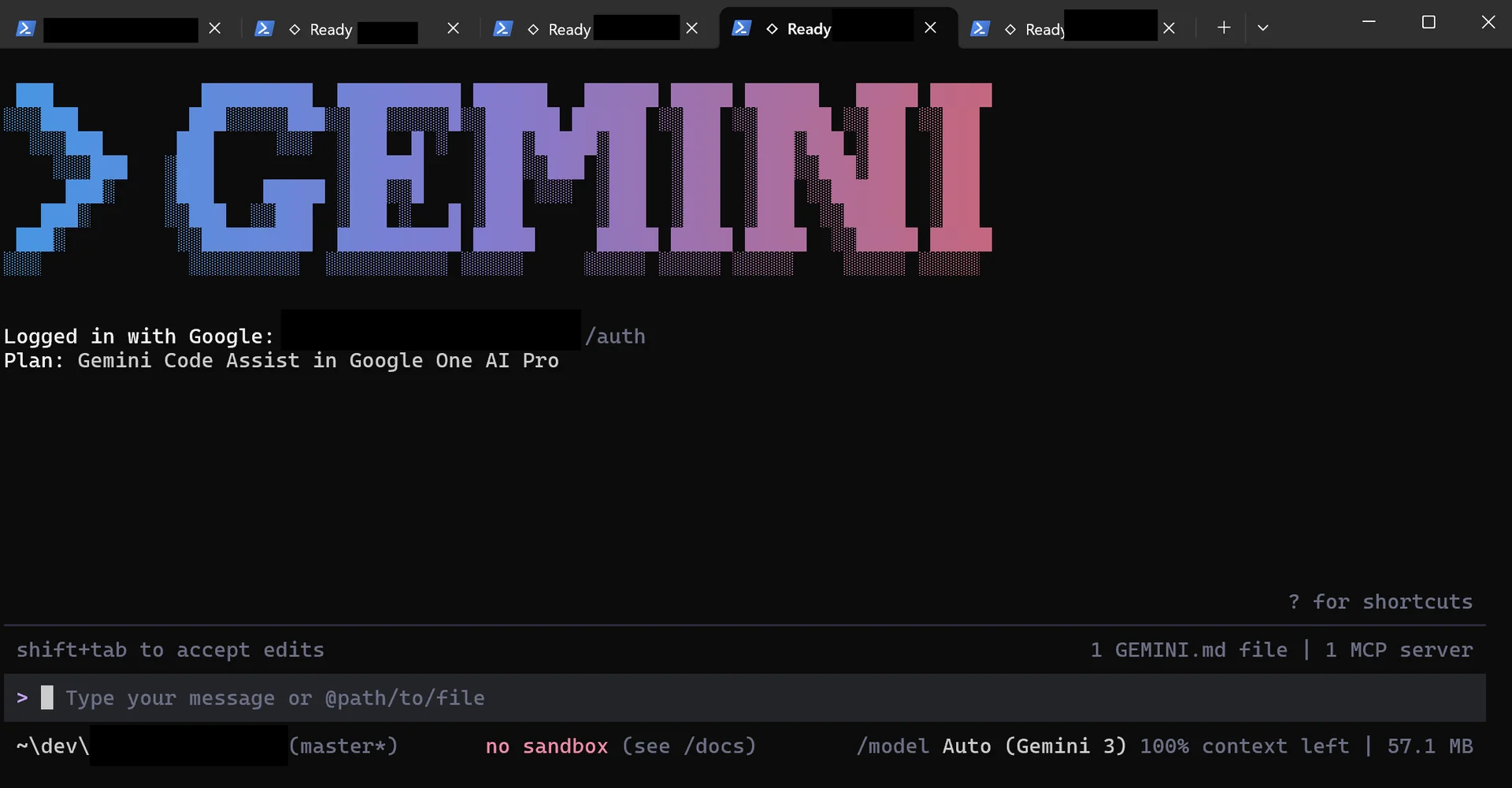
Workflow: CLI YOLO Mode (Gemini CLI)
2. The IDE-Integrated Mode
The IDE mode is the familiar developer workflow. By embedding the AI directly into your editor (like VS Code), the agent gains full visibility into your open files and project structure.
This mode is ideal for making big changes where you have a very specific vision for how the code should be done. It keeps the agent focused on the way you want to work.
Why it works:
- Context Awareness: The agent sees exactly what you see.
- Familiarity: Many developers find this much more approachable than the CLI.
Your Choices in IDE Mode
- Cursor: The leading AI-native IDE built from the ground up for agentic work.
- Windsurf: A strong contender focusing on seamless AI interaction.
- Antigravity: A specialized tool for advanced editor-driven automation.
- VSCode with Extensions: Classic editors augmented with plugins like Cline or GitHub Copilot.
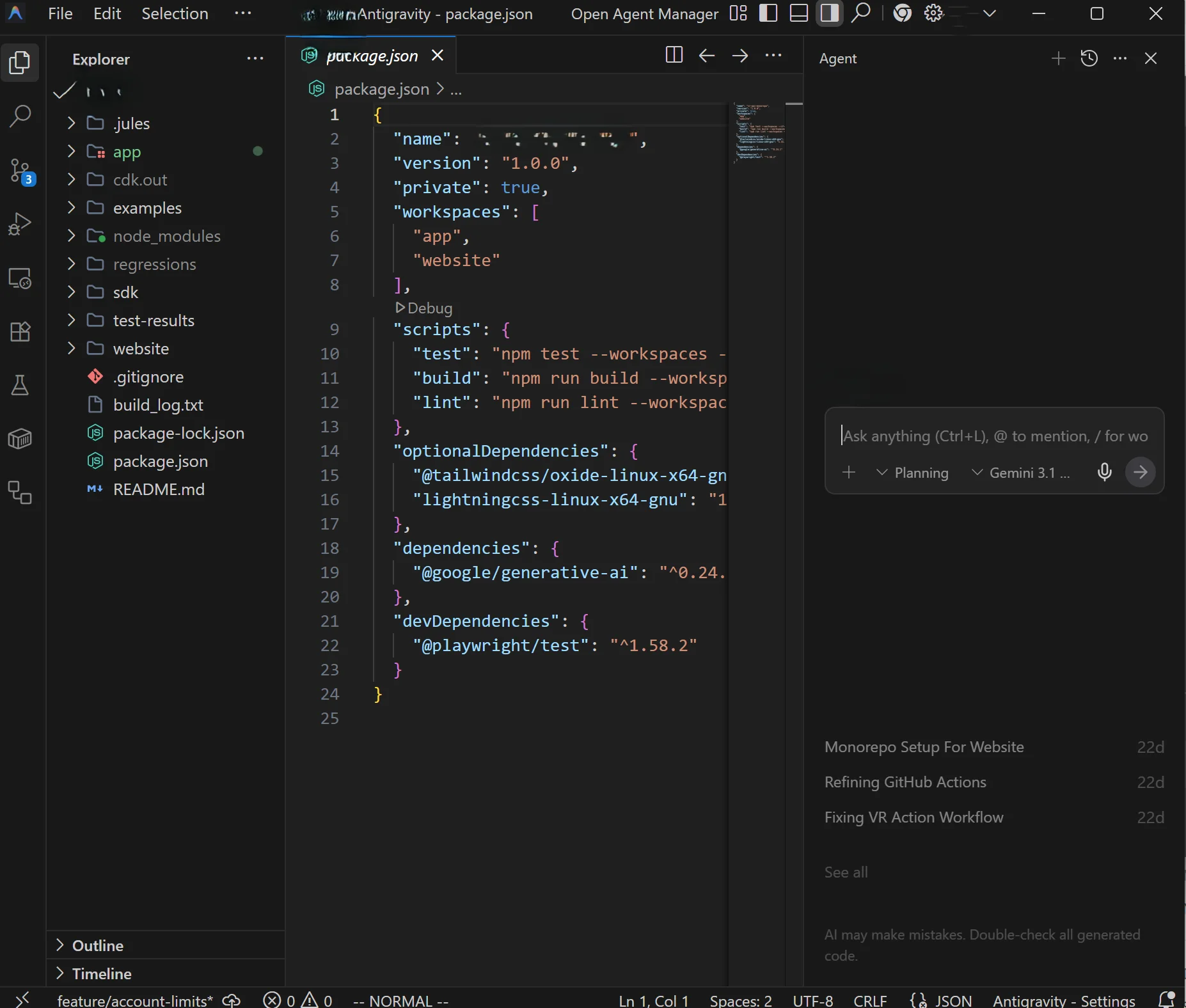
Workflow: IDE-Integrated Mode (AntiGravity)
3. The Autonomous Agent Mode
Autonomous Agent mode is a powerful addition to the workflows above. These agents typically run in a cloud environment, cloning your repository and running the application before starting their work.
Because they operate outside your local machine, you need to consider your external dependencies and the specific agent you choose. These agents are excellent for validating their own work if the changes are targeted.
Key Use Cases:
- Async Bug Fixing: See a bug and just submit it (even from your phone!), then review the PR later.
- Continuous Maintenance: Schedule weekly scans for security or dependency updates.
- Log Analysis: Schedule reviews of your production logs (if the agent has access) to proactively improve your application.
Your Choices in Autonomous Mode
- Google Jules: Our favorite for deep, autonomous cloud-based development.
- Claude AI: Excellent reasoning capabilities for complex architectural upgrades.
- OpenAI Codex: The foundation for many autonomous agents.
- Gemini: For highly integrated Google-ecosystem workflows and massive context windows.
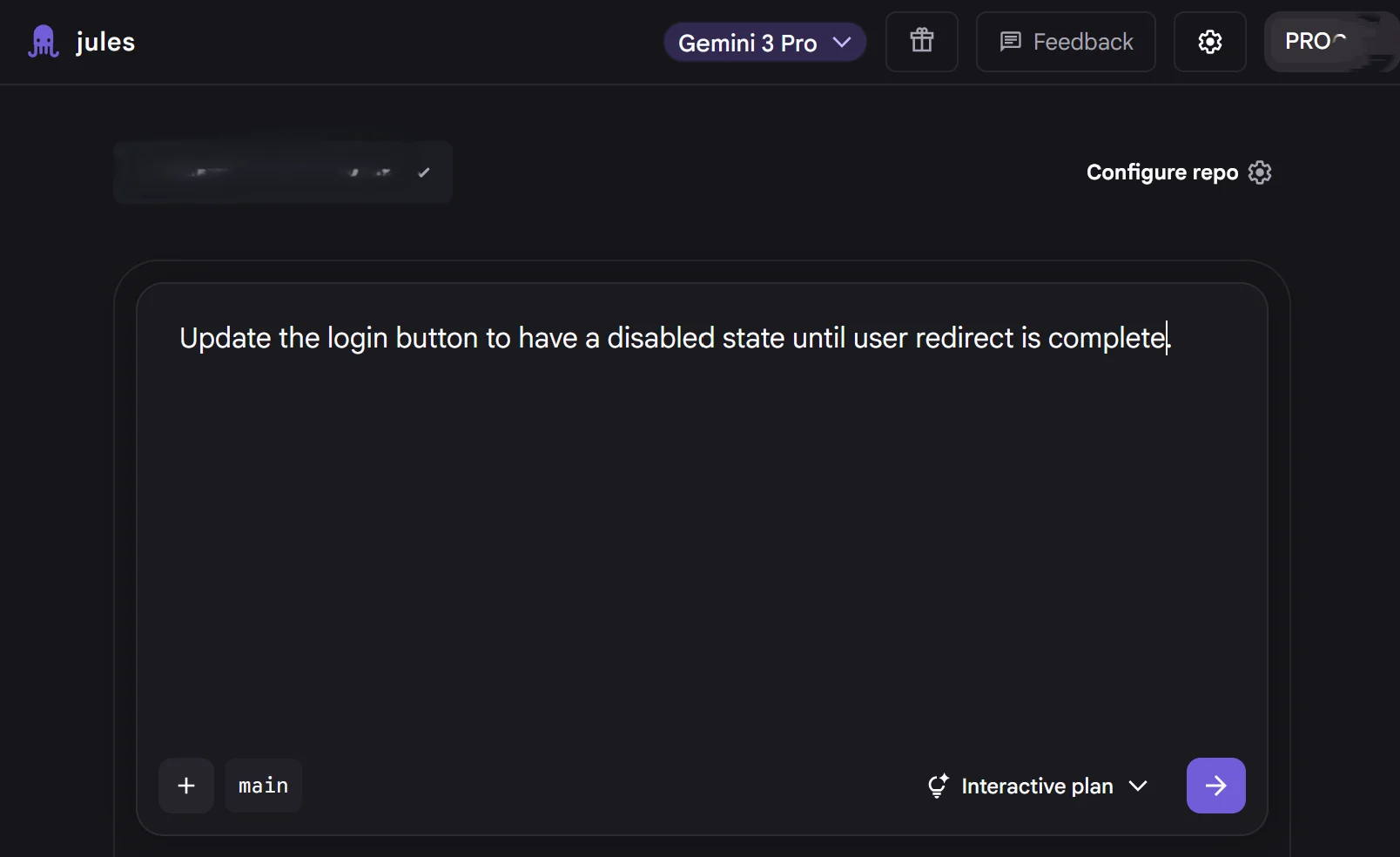
Workflow: Autonomous Agent Mode (Google Jules)
Conclusion: Orchestrating Your AI Team
The secret to peak productivity in early 2026 is not choosing just one.
Use IDE mode for your primary coding, leverage CLI YOLO mode for quick refactors and Git management, and let Autonomous Agents handle the background maintenance like security patches and PR reviews.
As we look beyond 2026, the boundaries between these modes are already beginning to blur. We are moving toward a future where the "agent" is a persistent entity that follows you across environments—from your phone to your terminal to your cloud dashboard. The tools we use today are powerful, but they are just the first steps toward a fully integrated, AI-augmented development lifecycle.
The most important skill you can develop right now isn't mastering a specific tool, but mastering the orchestration of these various agents to amplify your own creativity.
To see how these agents gain their powerful capabilities, read our guide on how agent skills work.
Summary: Key Takeaways
Important Consideration
AI Workflow Summary
- CLI YOLO Mode: Best for high-speed, multi-file refactoring and project scaffolding. Requires trust in the agent's autonomy.
- IDE Mode: Best for active development where you need precise control and real-time visual feedback.
- Autonomous Mode: Best for maintenance tasks, PR reviews, and background security scans that don't need to block your local dev environment.